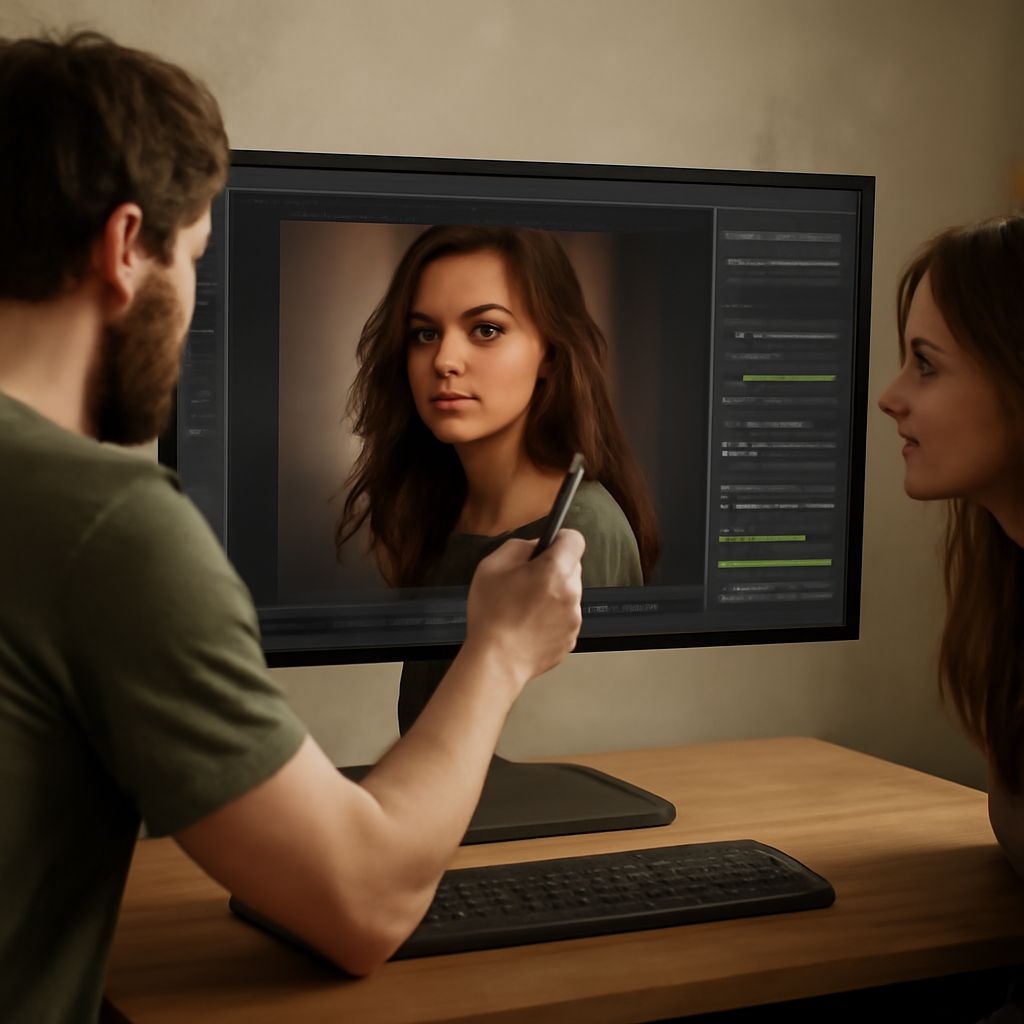
Best Photo Editing Software: A Direct Comparison
The best photo editing software depends on what you actually do with your images. A portrait photographer who shoots RAW on a full-frame body needs different tools than a blogger who edits phone photos for Instagram. Professional photo editing software covers a wide range of complexity, price, and workflow integration, and picking the wrong option wastes both money and time.
This guide compares the top photo editing software options currently available, breaks down which good photo editing software works for specific use cases, and gives you a clear framework for choosing without having to download six trial versions.
Professional Photo Editing Software for RAW Shooters
Adobe Lightroom Classic remains the best photo editing software for photographers who shoot high volumes of RAW files. Its catalog system handles 50,000+ images efficiently, its masking tools are among the best in any professional photo editing software package, and its integration with Adobe Photoshop covers every retouching scenario. Lightroom subscriptions run $9.99/month (Lightroom + Photoshop bundle).
Capture One Pro is the strongest alternative in top photo editing software for color work. Its color grading tools are more precise than Lightroom’s, and its tethering performance is faster and more stable — important for studio work. The subscription runs $24/month; a one-time license is available for around $300.
Both are legitimate professional photo editing software options. The choice between them usually comes down to color grading depth (Capture One) versus catalog management and ecosystem (Lightroom).
Good Photo Editing Software for Casual Users
If you’re editing phone photos, social content, or occasional prints, you don’t need the best software for photo editing at the professional tier. Affinity Photo 2 is the strongest value — a one-time payment of $69.99 gives you a full-featured editor with layers, masking, RAW support, and frequency separation for retouching. No subscription required.
Luminar Neo from Skylum targets photographers who want AI-powered tools to do heavy lifting. Its sky replacement, skin retouching, and object removal tools work in 1–3 clicks with results that would take 15–20 minutes in Photoshop. As good photo editing software for efficiency-focused users, it fills a specific gap.
For completely free top photo editing software, RawTherapee handles RAW conversion with professional-grade controls and zero cost. The interface is dense — expect a 2–4 hour learning curve — but the output quality matches paid alternatives in most shooting scenarios.