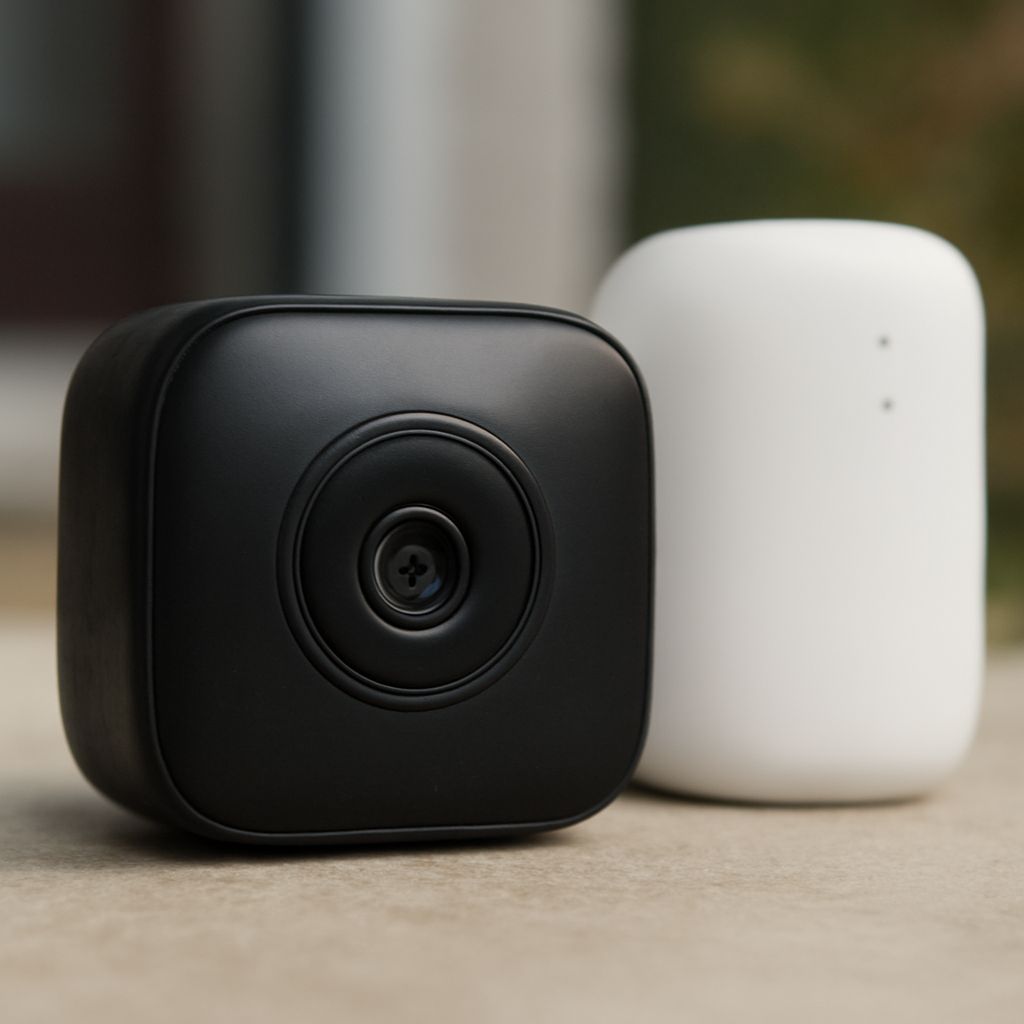
Best Front Door Security Camera and Android Surveillance Camera Apps
Finding the best front door security camera means balancing resolution, field of view, night performance, and how the device connects to your phone. A camera that captures crisp 2K footage but sends you a 30-second-delayed alert isn’t protecting your door — it’s just recording what already happened. You need hardware and software that work together in under five seconds from motion trigger to notification.
For those who prefer a software-first approach, an android security camera app can turn an old phone or tablet into a dedicated monitoring device. These apps deliver live streaming, motion detection, and cloud or local storage at a fraction of the cost of a dedicated camera system. This guide covers both paths.
Choosing the Best Front Door Security Camera
The best front door security camera for most homes has a minimum 1080p sensor, a field of view between 130 and 160 degrees, and night vision that reaches at least 20 feet. Doorbells with built-in cameras — like the Ring Video Doorbell Pro 2 or the Google Nest Doorbell — also capture package delivery zones below the lens, which standard cameras often miss.
Look for two-way audio with noise cancellation. A doorbell that picks up street traffic and wind in every conversation becomes annoying fast. Color night vision, available in models like the Arlo Essential, uses a supplemental white LED to light the scene in color rather than relying on infrared alone. Color detail makes license plate identification possible after dark.
Installation and Power Options
Wired front door cameras offer constant power and no battery management. They require an existing doorbell wiring loop (16–24V AC) or a separate power run. Battery-operated models take 30 to 90 minutes to install and work anywhere, but need charging every 1 to 6 months depending on motion frequency. Solar-powered options extend battery life indefinitely in areas that get 4 or more hours of direct sun per day.
Android Security Camera Apps for Home Monitoring
An android security camera app converts your device into a continuous recorder with motion zones, alert sensitivity controls, and remote access. Alfred is one of the most downloaded options — free tier includes unlimited viewing with ads; the premium version at $3.99/month adds 30-day cloud history and ad removal. AlfredCamera consistently rates 4.5 stars or higher across both major app stores.
A smartphone security camera app works best when mounted on a fixed stand at eye level with charging connected. Heat buildup over long sessions is the main failure point. Use a case with ventilation cutouts and avoid direct sunlight on the device. Phones running continuously at 100% brightness thermal-throttle within two to three hours, which degrades performance.
The camera zoom app category covers both optical and digital zoom tools useful for monitoring distant areas. Apps like Telephoto and Zoom Camera offer up to 8x digital zoom for situations where you need to read a license plate or identify a face at distance. Combine a camera zoom app with a high-resolution phone sensor for the best results at range.
Android Surveillance Camera App Setups That Work
An android surveillance camera app like DashCam or IP Webcam streams directly to a browser or RTSP-compatible viewer on your home network. This approach keeps footage local — no cloud subscription, no monthly fee, no data leaving your home. Set the stream resolution to 720p for continuous recording; higher resolutions eat storage fast and slow the device.
Pair your android surveillance camera app setup with a local NAS drive for 24/7 recording without cloud dependency. A 2TB drive at 720p stores roughly 45 days of continuous footage. Set motion-triggered recording clips separately at 1080p so you keep full detail when something actually happens.
Key takeaways: The best front door security camera for your home depends on whether you want wired reliability or battery flexibility. An android security camera app turns existing hardware into a free monitoring node. Combine both for layered coverage that doesn’t rely on a single point of failure.