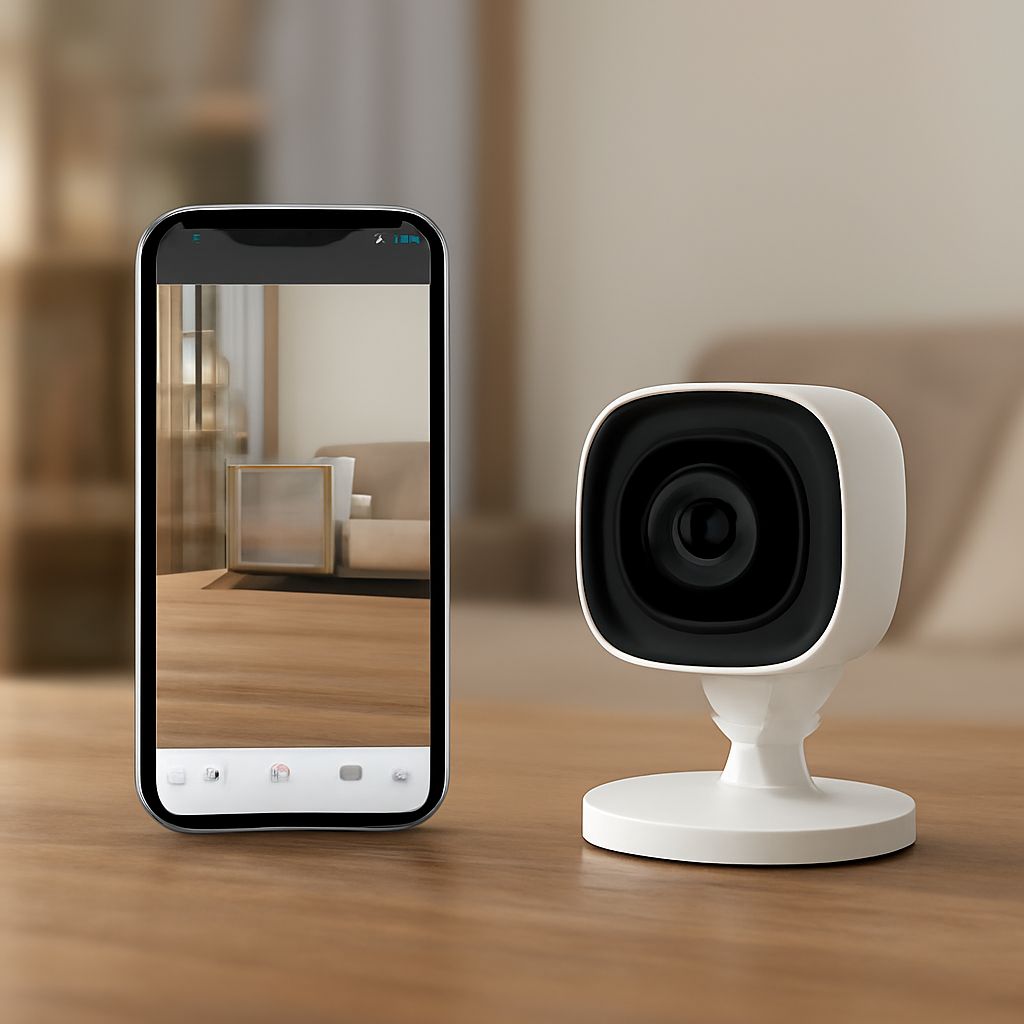
Motion Detector Camera App: Top Picks and How They Work
A motion detector camera app turns your phone into a 24/7 security tool without buying dedicated hardware. Whether you need a motion sensor camera app for your front porch, a nanny cam setup, or a wildlife trail monitor, today’s apps offer solid detection ranges, push alerts, and cloud storage. Understanding the best motion activated spy camera options means knowing what the software does, not just what the hardware looks like.
This guide walks you through how motion activated camera app technology works, what features matter, how to pick the best motion activated spy camera software, and whether a security camera jammer app is a real thing worth worrying about.
How a Motion Sensor Camera App Detects Movement
Pixel Difference vs. PIR Sensors
Most smartphone-based motion detector camera app solutions use pixel difference detection. The app captures frames continuously and compares each frame to the last. When enough pixels change — meaning something moved — it triggers a recording or alert. The sensitivity slider in the app controls how much change is needed, letting you filter out waving tree branches while still catching a person walking.
Dedicated cameras use PIR (passive infrared) sensors that detect heat signatures. A motion sensor camera app on a phone relies on the camera hardware instead, which means lighting conditions affect accuracy more than they would on a PIR device. For indoor use in controlled lighting, phone-based apps work well. For dark outdoor detection, a hardware camera with PIR is more reliable.
Alert Systems and Storage
Good motion activated camera app platforms send push notifications within 2–5 seconds of detection. The best apps also let you define detection zones — draw a box over the area of the frame you care about and ignore the rest. This cuts false alerts dramatically when your camera faces a busy street or a windy yard.
Storage options vary. Many apps offer free local storage to your phone or SD card, while cloud plans start around $3–$10 per month for 7–30 days of video history. If you plan to use the app for best motion activated spy camera purposes — say, checking on a room while traveling — cloud storage is worth the subscription so footage survives if the device is taken.
Top Motion Detector Camera App Options
Alfred Camera is one of the most-used motion sensor camera app choices. It’s free for basic use, streams live video to a viewer phone, and handles multi-camera setups across Android and iOS. Detection sensitivity is adjustable and alerts arrive quickly.
Manything focuses on cloud storage and works well as a motion activated camera app for Apple device ecosystems. It supports 1080p recording and offers a clean detection zone tool. For Android-heavy households, IP Webcam by Pavel Khlebovich gives granular control over motion sensitivity, frame rate, and network streaming.
Presence by iSpy targets home security specifically, offering free local recording and optional cloud backup. It integrates with smart home platforms and provides solid motion detection across varied lighting conditions.
Is a Security Camera Jammer App Real?
Search results for security camera jammer app often surface products claiming to disable nearby cameras via RF or Wi-Fi interference. Using any device to jam wireless signals is illegal in the United States under FCC regulations, with penalties up to $100,000 and prison time.
No legitimate security camera jammer app exists in mainstream app stores. Apps claiming this function either don’t work or are themselves malware. If you’re concerned about being recorded without consent, check your local laws on recording consent and consult a lawyer rather than pursuing jamming tools.
Safety recap: Always use your motion detector camera app on devices and networks you own or have permission to monitor. Verify local recording consent laws before pointing a camera at spaces used by others. Never attempt to use signal jamming tools — the legal exposure far outweighs any perceived benefit.