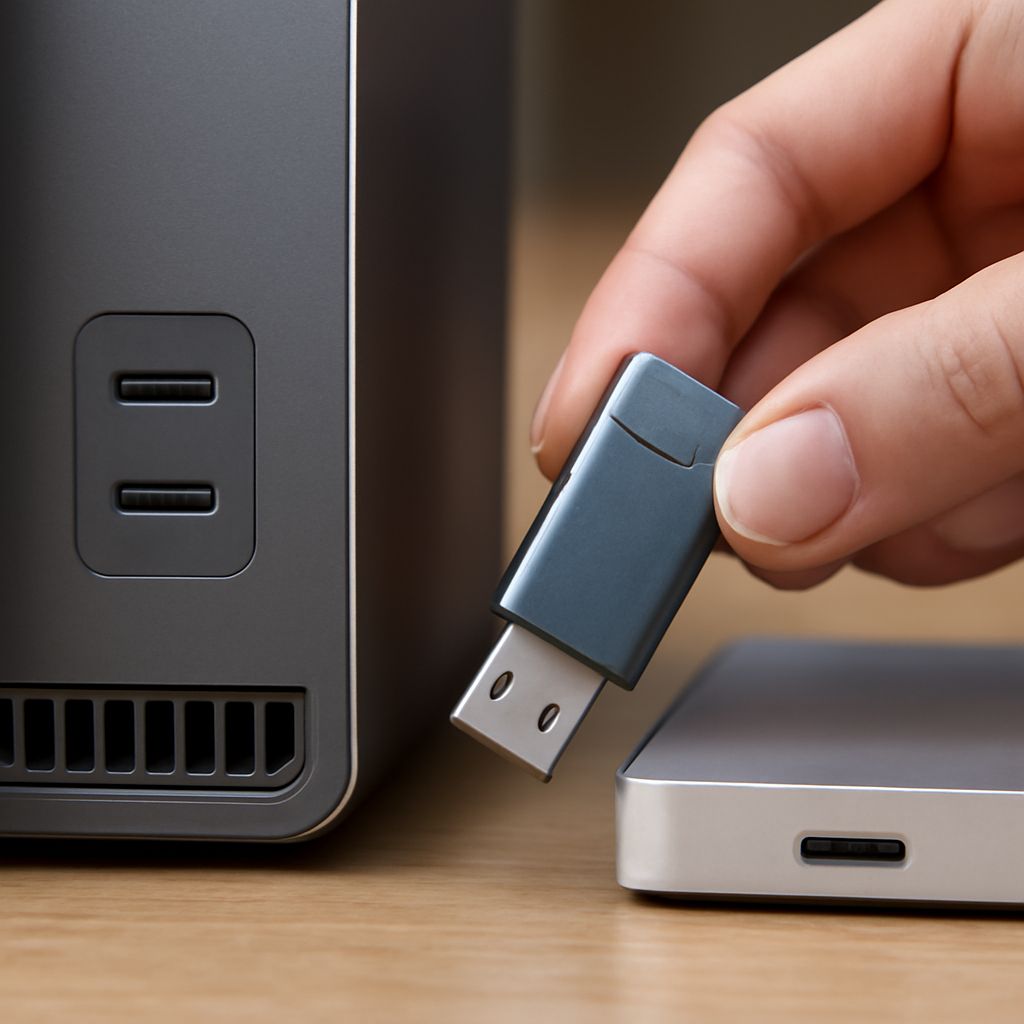
External Hard Drive vs Flash Drive: Which Storage Should You Choose?
The external hard drive vs flash drive question comes up every time you need to move, back up, or archive data — and the answer depends on more than just price. A flash drive is portable and convenient for everyday file transfers; an external hard drive offers far more capacity per dollar for long-term storage. The nas vs external hard drive comparison adds another layer for users who need shared network access across multiple devices. When comparing flash drive vs external hard drive options for photos, video, or documents, the deciding factors are capacity, transfer speed, and how often you plan to access the files. The external hard drive vs usb decision also involves durability — flash drives have no moving parts, which makes them more shock-resistant. And if you are weighing a usb flash drive vs external hard drive for a specific workflow, understanding the write endurance limits of flash storage versus the mechanical wear limits of spinning drives helps you pick the right tool for the right job.
External Hard Drive vs Flash Drive: Speed and Capacity
A USB 3.0 external hard drive transfers data at 80–120 MB/s for sequential reads. A USB 3.0 flash drive ranges from 20–150 MB/s depending on quality — budget flash drives are often much slower than their interface suggests. For the external hard drive vs flash drive comparison on raw capacity, external hard drives win decisively: a 2TB external HDD costs $60–$80, while a 2TB flash drive does not exist at practical prices. The crossover point is around 256GB, where high-quality flash drives become price-competitive with external HDDs at similar capacity.
For the flash drive vs external hard drive durability question: flash drives use NAND memory with no moving parts, making them more resistant to drops and vibration. External HDDs with spinning platters are vulnerable to impact damage while operating. Solid-state external drives (external SSDs) combine flash memory in a drive form factor, giving you the best of both — but at a significant price premium per gigabyte.
NAS vs External Hard Drive for Multi-Device Use
The nas vs external hard drive comparison applies when more than one person or device needs access to the same files. A NAS (Network Attached Storage) connects to your router and makes files accessible to every device on your network simultaneously — without physically moving the drive between machines. An external hard drive requires you to plug it into each device sequentially. If you are backing up multiple computers or sharing a media library with a household, a NAS justifies its higher upfront cost quickly. For single-user workflows, a standard external hard drive vs usb flash drive decision is sufficient.
USB Flash Drive vs External Hard Drive: Choosing for Your Use Case
For transferring files between computers, presenting at meetings, or carrying a bootable OS, a usb flash drive vs external hard drive comparison strongly favors the flash drive — it fits in a pocket and requires no cable. For backing up a photo library, editing video projects, or storing a complete system backup, the external hard drive wins on capacity, cost per gigabyte, and sequential write performance for large files.
A practical rule: carry a flash drive (256GB–512GB) for active project files and daily transfers; maintain an external hard drive (2TB–4TB) for archives, system backups, and media libraries. The external hard drive vs usb flash drive is not an either/or — most productive workflows use both. Bottom line — match the storage format to the task: flash drives for portability and quick access, external hard drives for volume and long-term archiving.