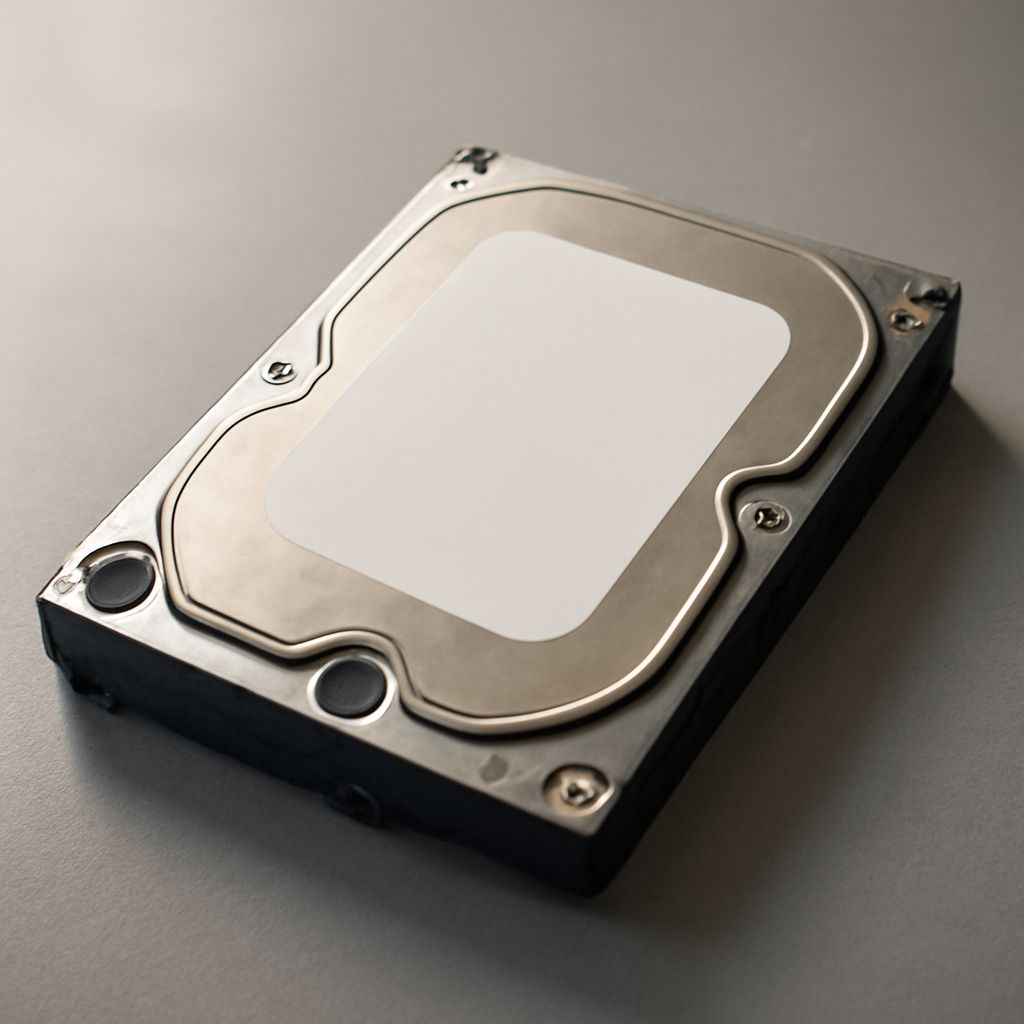
In an era where digital data is abundant, finding a reliable way to store your files is crucial. An external hard drive offers a flexible storage solution, allowing you to back up essential data, expand your device’s storage, and transport files effortlessly. Whether it’s photos, music, or important documents, understanding how to effectively use an external hard drive can simplify your digital life.
Cloud external hard drives take this convenience a step further by providing remote access to your files from anywhere. By incorporating both physical and cloud storage, you can experience the benefits of direct data access and cloud flexibility without sacrificing security.
Understanding External Hard Drives
What is an External Hard Drive Used For? An external hard drive connects to your computer to provide additional storage space. They’re used for backing up critical data, storing large files, and transferring information between computers. Many users appreciate the portability of an external hard drive, allowing them to carry their data anywhere without worrying about internet connectivity.
Frequent travelers or professionals who handle large media files find that using an external hard drive simplifies their workflow. Whether you are a photographer needing to store high-resolution images or a gamer looking to expand your console’s storage, an external hard drive can meet your needs.
Why Consider a Cloud External Hard Drive?
A cloud external hard drive combines traditional storage with online accessibility. This hybrid solution allows you to access your files from any device with an internet connection. It’s perfect for remote work situations where accessing files from multiple locations is necessary.
Cloud external hard drives offer a layer of security through data encryption and regular backups. By syncing your data with the cloud, you ensure that your files are safe from physical damage or loss.
How to Use an External Hard Drive
Steps to Set Up Your Device Setting up an external hard drive is straightforward. First, connect the device to your computer using the appropriate USB or Thunderbolt cable. Your computer should automatically recognize the device. If not, check your system settings and ensure the drive is mounted correctly.
Once connected, format the drive if necessary. This step prepares the external hard drive for file storage according to your operating system. After formatting, you can begin transferring files by simply dragging and dropping them into the drive’s folder.
Do I Need an External Hard Drive?
Deciding if you need an external hard drive depends on your storage needs. If you find yourself running out of space on your main device or require a secure backup solution, an external hard drive is a wise investment.
Additionally, if you work with large files or need to move data between different environments frequently, the benefits of an external hard drive become even more apparent. However, if your usage is minimal and cloud services suffice, you might not need one.
Safety Recap: When using tools like external hard drives, always safely eject the device before unplugging it to prevent data corruption. Maintain regular backups and ensure your cloud external hard drive’s security features are activated to safeguard your files.