Motion Blur Effect: How to Add It In-Camera and With Editing Tools
A motion blur effect communicates speed, time, and movement in a single frame. Used deliberately, the motion blur filter in post-processing or the natural blur produced by a slow shutter in-camera transforms a static image into something that suggests energy rather than just documenting a frozen moment. Whether you’re adding the effect through motion blur online tools, using a motion blur generator in your editing software, or capturing it live with camera settings, understanding how to add motion blur intentionally — rather than getting it accidentally — makes the technique an asset rather than a mistake.
This guide covers how to create a motion blur effect in-camera, how to use motion blur online tools and filters effectively, and when to use a motion blur generator versus authentic in-camera technique.
Creating Motion Blur Effect In-Camera
Shutter Speed and Panning Technique
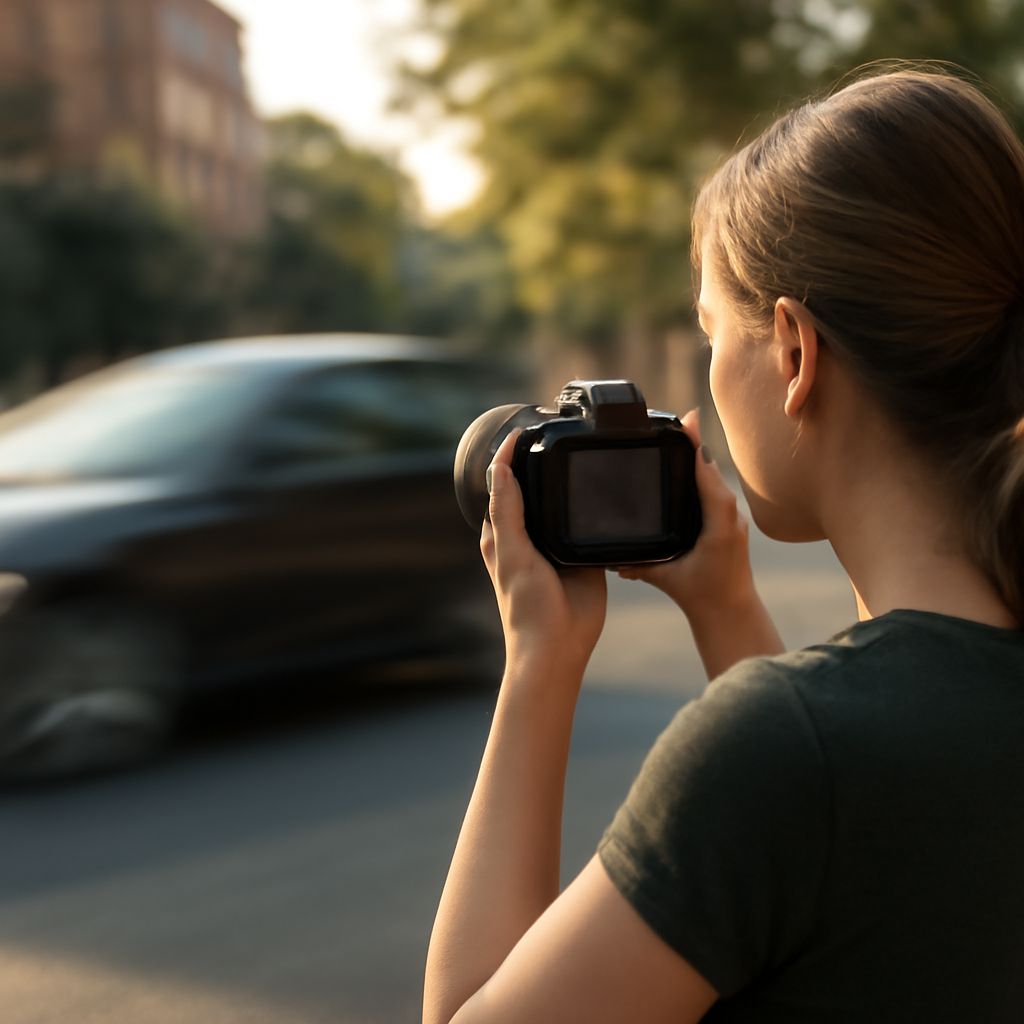
The foundation of in-camera motion blur effect is shutter speed. For a static background with a blurred subject, slow your shutter to 1/30 to 1/15 second while the subject moves through the frame. The background stays sharp; the subject blurs. For moving cars, cyclists, or athletes, this produces a classic motion blur effect that reads as speed without complete unrecognizability.
Panning is the reverse technique — moving the camera to track the subject, which keeps the subject relatively sharp while the background blurs into horizontal streaks. For panning motion blur effect shots, set your shutter to 1/30 to 1/60 second and follow the subject’s trajectory smoothly from about 10 feet back. Success rate on panning shots runs roughly 1 in 8 to 1 in 15 attempts until you develop the muscle memory for the movement — shoot in burst mode and expect to discard most frames.
Light Trails and Long Exposure
Light trail photography uses motion blur effect from car headlights and taillights during long exposures of 5 to 30 seconds. Set your camera on a tripod, use bulb mode, and time the exposure to capture traffic moving through the frame. The motion blur filter created by moving lights against a dark background is one of the most recognizable creative photographic techniques and requires no post-processing to be effective.
For water motion blur effect — waterfalls, waves, streams — exposures of 1/4 to 2 seconds produce a silky, flowing look. Longer than 2 seconds on fast-moving water starts to look milky rather than fluid. Use ND (neutral density) filters to achieve these exposure times in bright daylight without overexposing the frame.
Motion Blur Online Tools and Generators
When you need to add motion blur to a static image after the fact, motion blur online tools give you control that in-camera technique can’t always provide. Photoshop’s Filter > Blur > Motion Blur panel lets you set direction (angle) and distance (pixels of blur) independently. A horizontal motion blur filter at 15 to 25 pixels adds a sense of lateral speed to product shots, vehicle photos, and sports images without affecting the vertical composition.
For non-Photoshop workflows, motion blur online tools like Lunapic, BeFunky, and Canva’s effects panel offer simplified motion blur generator functionality that works in a browser without software installation. These tools suit quick social media content where the artistic precision of Photoshop’s motion blur filter isn’t required.
Directional accuracy matters when you add motion blur in post. A motion blur generator applied at the wrong angle — horizontal blur on a vertically moving subject — looks wrong immediately. Match the blur direction to the logical movement direction of the subject. For a falling object, apply vertical downward blur. For a running figure, apply horizontal blur angled slightly downward to match forward momentum. This attention to direction is what separates a convincing motion blur effect from a generic filter that just smears the image.
Bottom line: A motion blur effect works best when the direction and intensity match the subject’s actual movement logic. Use in-camera shutter technique when possible, and rely on a motion blur generator or motion blur online tool when adding the effect in post to a static image.