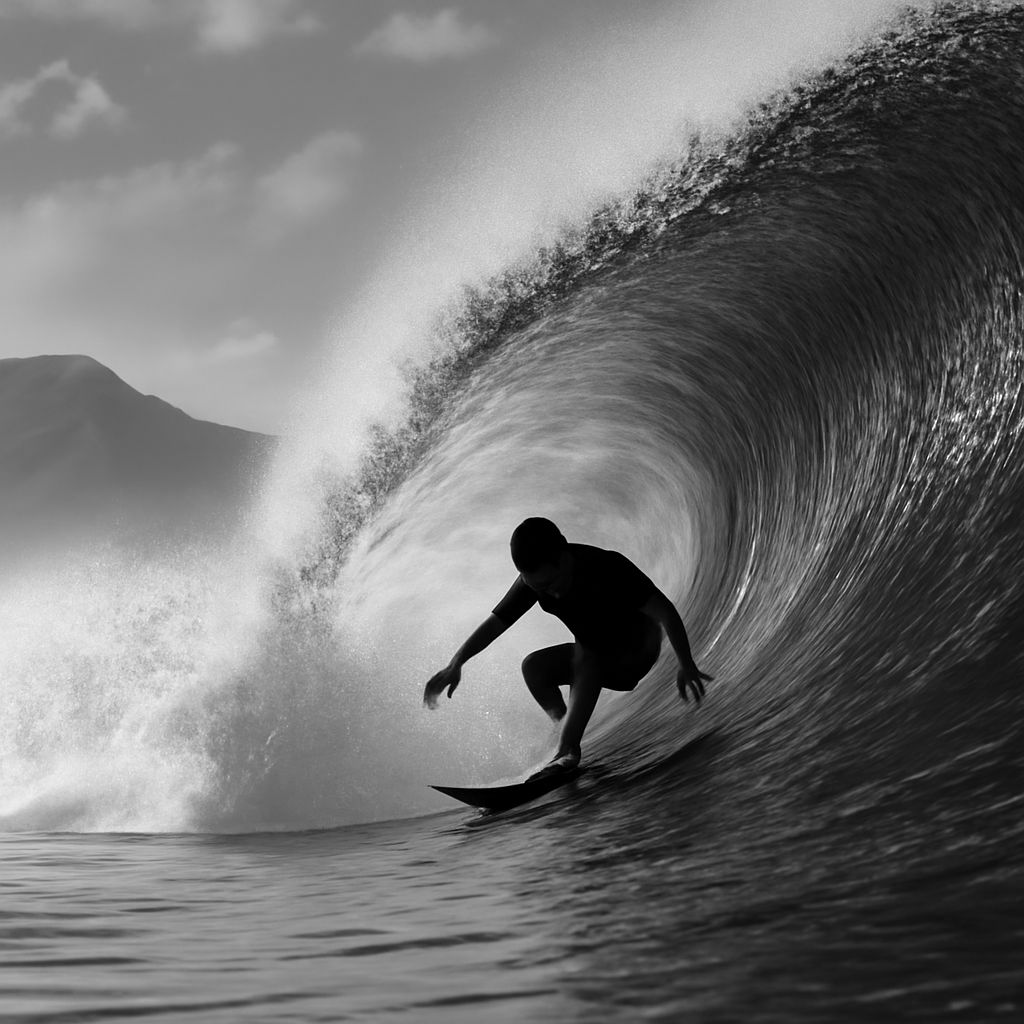
When you need to convert image to pure black and white online, the fastest options are browser-based tools that run directly without software installation. These tools vary widely in quality — some apply a flat desaturation that collapses similar-toned colors into identical grays, while better tools use luminance-weighted conversion that preserves tonal contrast between areas that were different colors. Knowing which approach a tool uses takes 30 seconds to test and determines whether the result is actually usable.
Beyond basic B&W conversion, tools for content aware scale online have become popular for creative and comedic image manipulation. A content aware scale generator applies Seam Carving — an algorithm that removes or adds pixels along low-importance seams — to resize images while preserving the main subject. The distorted results of aggressive content aware scale gif outputs have become a recognizable internet visual format.
How to Convert Image to Pure Black and White Online
To convert image to pure black and white online with the most control, use tools that expose channel mixing rather than a single desaturation slider. Photopea (browser-based, free) replicates Photoshop’s B&W adjustment layer — you adjust red, orange, yellow, green, cyan, and blue channels independently to control how each color converts to gray. This is the same workflow professional photographers use and it runs entirely in a browser tab.
Other options for black and white image conversion online include Canva’s filter system (fast but limited control), Befunky’s B&W tool (applies preset tonal curves), and Raw.pics.io for converting RAW files to black and white in browser without downloading software. If you need to batch convert image to pure black and white online across multiple files, ILoveIMG’s grayscale tool processes up to 20 images simultaneously in the free tier.
Tonal Quality in Browser-Based B&W Conversion
The quality gap between a flat desaturation and a proper luminance-weighted black and white conversion becomes obvious on skin tones, foliage, and any scene with objects of similar brightness but different hue. A green tree and a red barn that are equally bright desaturate to identical gray. With channel mixing, you can push the green darker and the red lighter — or vice versa — creating contrast that the original colors provided but flat conversion destroys.
Content Aware Scale Online: How the Tool Works
Content aware scale online tools use the Seam Carving algorithm, developed by Shai Avidan and Ariel Shamir in 2007. The algorithm calculates an energy map of the image — essentially a measure of how much each pixel contributes to important visual content. It then removes (for shrinking) or duplicates (for stretching) the lowest-energy seams, preserving faces, prominent objects, and high-contrast areas while distorting the background or low-interest regions.
A content aware scale generator applied aggressively — stretching an image to 200% of its original width — produces characteristic distortions in the background while the main subject remains (sometimes comically) intact. This effect became a popular internet meme format. Content aware scale gif outputs loop this distortion effect, typically showing a before-and-after or a progression of increasing distortion.
Using Content Aware Scale GIF for Creative Projects
Creating a content aware scale gif requires a tool that combines seam carving with GIF export. Ezgif.com’s resize tool applies content-aware scaling and exports as GIF or MP4. For more control, GIMP’s Liquid Rescale plugin (available free) applies seam carving frame-by-frame. You animate the scaling progression as separate layers, then export to GIF using GIMP’s built-in animation export.
A content aware scale generator works best on images with a clear subject against a relatively uniform background. Portrait photos, product shots, and landscape images with a single focal point all produce the most dramatic and recognizable seam carving effect. Images with busy, complex backgrounds throughout produce less legible distortions because the algorithm has difficulty identifying low-energy seams.